Showing posts with label tips. Show all posts

Thursday, December 2, 2010

On Location Photography by Drew Gardner BTS video


Drew Gardner Workshop at Bert Stephani HQ Belgium from drew gardner on Vimeo.

 If you don't know who this guy is yet, then you better drop by his excellent site and blog now!  Drew is one of my favorite photographers and was the inspiration for the Mythology shoot I did a month ago.  I grabbed this video from his site, which is also available in Bert Stephani's blog, who himself is an excellent photographer and one of my faves as well. Drew had a on location photography seminar in Belgium (where Bert lives) and the video was a little behind the scene look at how Drew works.  Drew has done a series of photos with a forest theme which are absolutely my favorites.  Here's a  BTS video of some of his recent Forest shoots:


Drew Gardner Zebra Shoot Teaser from drew gardner on Vimeo.

You'll see in the video that he uses a fog machine, some big light modifiers and real animals (that's right, animals).  I love that look, but I don't have any of the above mentioned gear (not counting that he uses a $10,000++ phase one camera), so I just added my fog/smoke in Photoshop. Here's some more of Drew's forest photos compared to my Mythology photos:

Drew:

Copyright Drew Gardner
 Me:
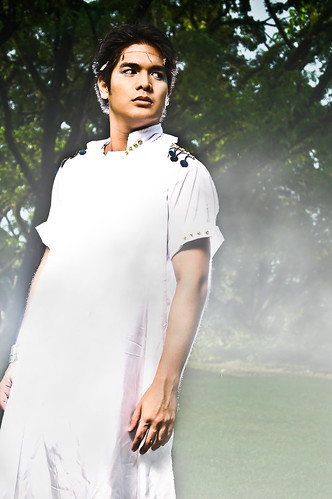
Drew:

 Copyright Drew Gardner
Me:


Drew:
Copyright Drew Gardner
Me:
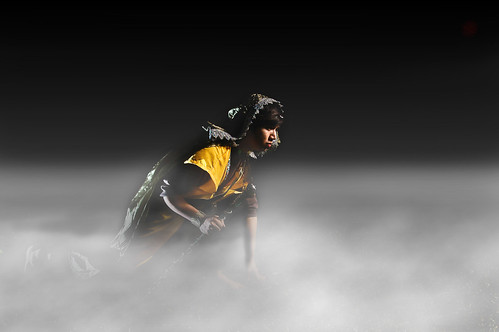
Okay, I know that my photos are way, way out of Drew's league (in all aspects), but the point is the lack of gear shouldn't stop you from trying.  After a few Photoshop "fog tests", I was happy with the results then applied it to the photos.  And besides, during the seminar in Belgium in the top most video, it seems that they just added the fog/smoke in Photoshop as well. At the end of the day, the only thing that matters is that you're happy with your results.  Have fun shooting!

Related:

Drew Gardner's Site and Blog - favorites are the Epic Fashion series, as well as the Fairy tale themed ones
Bert Stephani's site - very informative and very cool "strobist" related videos

Sunday, November 21, 2010

Stretch that Shutter


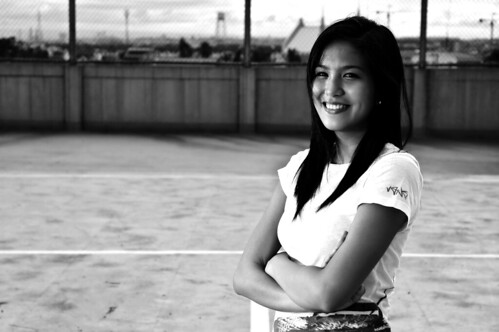
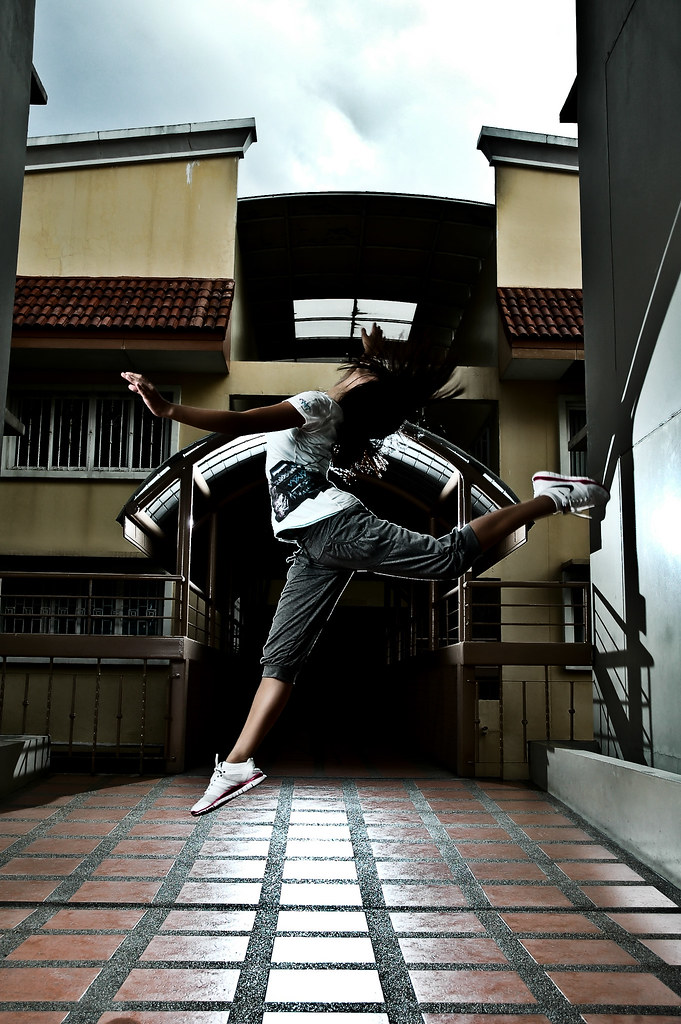
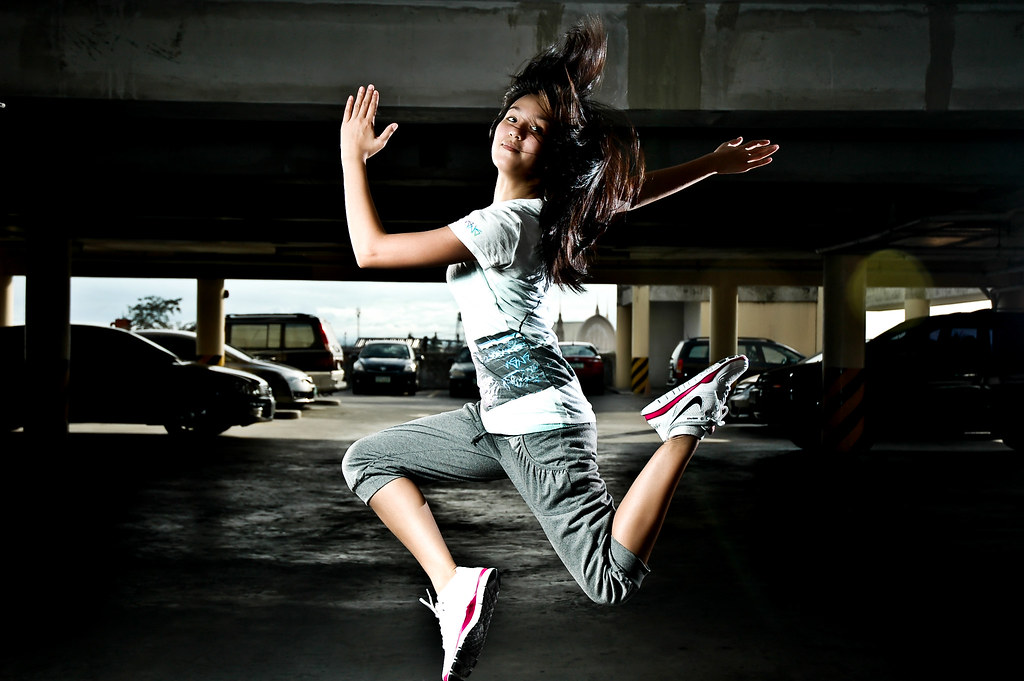
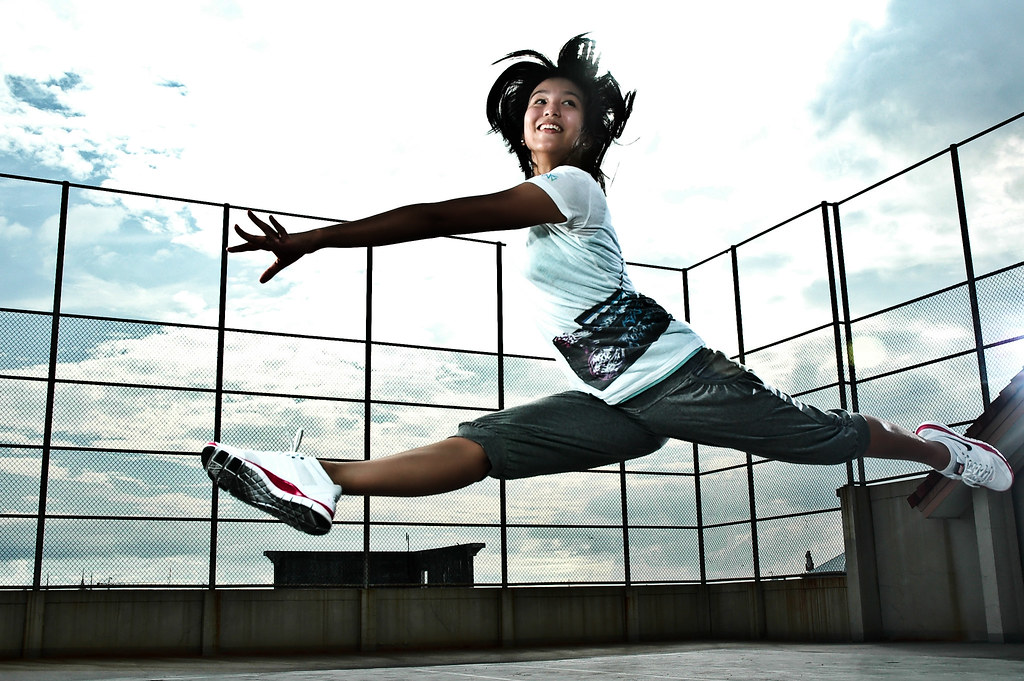
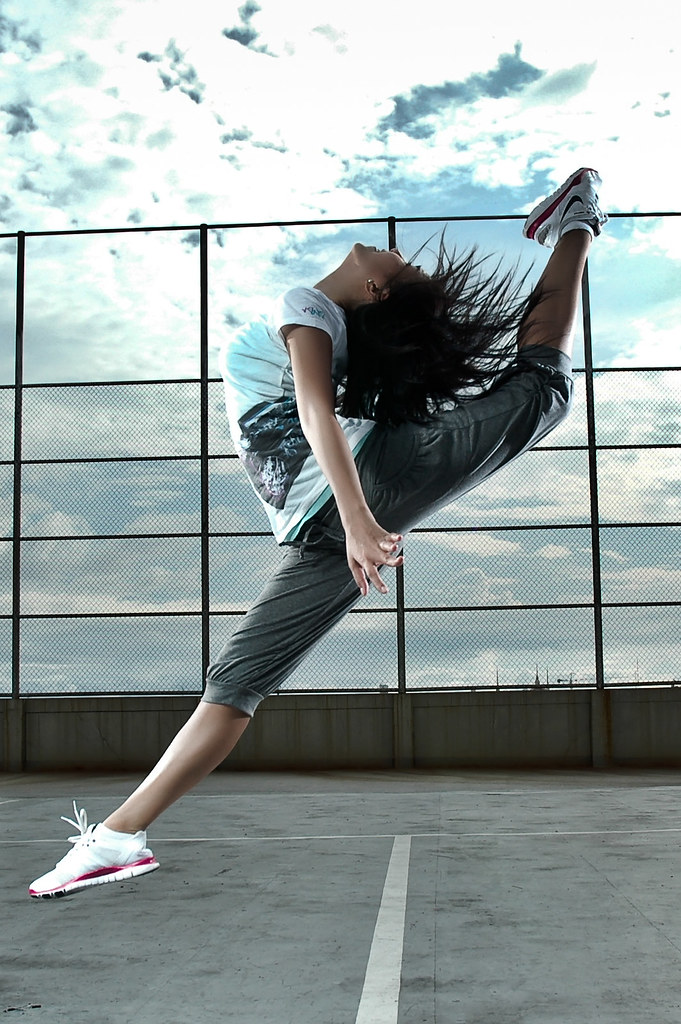
I had the chance to photograph the beautiful Aly this weekend.  She's a co-worker now but was a cheerleader back in college.  I asked her to do some gymnast-like jumps for me.  She had some reservations, as she was one of those shy-types but after a few shots, she loosened up and started having fun with it.


As with my concept shoot a few weeks back, I started planning a few days before the shoot.  The plan was have Aly do her jumps and light her from the sides and one soft light upfront.  I think I was able to get as many ideas I got on the actual shoot.Unfortunately, I inadvertently threw it away with the other garbage i my pocket, so I can't show you how I visualized it. :(

update: here's how the set-up looked like for most of the shots:


Sketching what  I think the final photo will look like and how I would light it really helps out the process.  For example the top most image took only one shot (I was very lucky).  This also saved Aly from doing multiple jumps, which saves her some energy for the next shot. She was surprised that she could stretch like this, as she never saw herself stretching that much before. Here are some more shots:


About the Title

Except for the up most shot, Aly did need to take multiple jumps for the shots.  As much as I would like to get it with one frame,  it would be very difficult to time each jump and get what you want.  So what did I do?  I shot it hi-speed and did multiple clicks (burst mode) in each jump.  The flash trigger I used was a YN-04II, and my camera having an electronic shutter (D70) I was able to use a fast sync speed than most (some camera's only have a 1/250 sync speed).  The shots above were in the speed range of 1/500 to 1/1000 with the flash units on 1/4 power.  Having that speed enabled me to maximize the 3 frame per second limit on my camera. 

Also, my  camera's shutter is about 43,500 and counting, really close to the manufacturer's claim of 50,000.  To those who don't know, a DSLR life ends when it reaches the maximum number of shutter clicks (or on how many times you click that shutter to take a picture).  After that you would need to have your camera serviced and replace the shutter mechanism.  It's not cheap, mind you. It could be just a manufacturer's claim so they'll get more profit from repairs.  I kinda hope mine wouldn't die on me after 50,000 clicks, as I have a friend who has a camera that has more that 100,000 clicks and it's still working.  Then again, I have another colleague who's D40 died on him at 50,000 clicks.  So who knows?

Thursday, February 25, 2010

BlueweedPhoto featured in Lighting Rumours

Thanks to Selbosh for linking to the blog. He featured the "informal" review I made of the Q-Strap from a few months ago. If you don't know yet, he's site is a very nice resource for upcoming products for lighting and strobist related stuff. His links mostly will lead you to ebay (which is not as useful to us in the Philippines, as we can buy these stuff from Quiapo), but it nice to see what manufacturers have in store for us.

He also has links to the Strobist.com flickr group for real-life reviews of some products. It really helps before deciding to buy gear.

Lightingroumours is definitely RSS/bookmark worthy.
For more of Lighting Rumours go to lightingrumours.blogspot.com